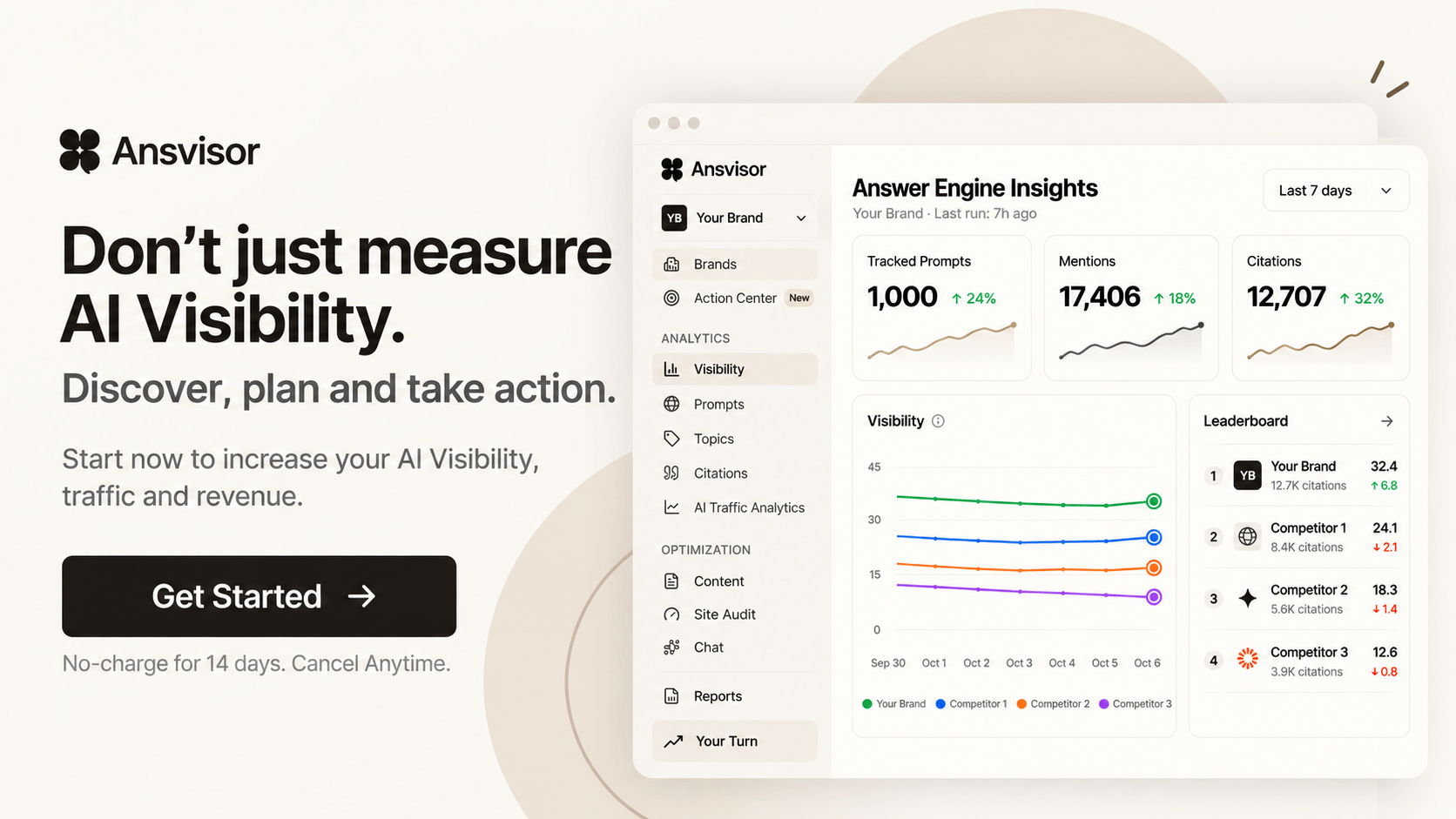



Google Search Console (GSC)
Turn Google Search Console Data Into AI Search Opportunities
Connect Google Search Console to Ansvisor to combine real search demand and performance signals with AI Visibility. Discover which prompts to track, what content to improve, and which actions to prioritize.
Prompt Opportunities
Use real Google Search demand to discover and prioritize prompts worth tracking across AI platforms.
Content Opportunities
Identify pages, queries, and demand signals that reveal where existing content can be improved or new content can be created for AI Search.
Action Opportunities
Turn GSC performance and AI Visibility signals into prioritized actions based on where your brand can capture demand, protect existing traffic, or improve visibility.
Capture Demand — Find high-impression search opportunities where stronger AI Search visibility can help your brand reach existing demand.
Protect Traffic — Identify queries and pages already driving organic traffic that should remain visible as search behavior shifts toward AI.
Prioritize Opportunities — Combine Google Search Console, AI Visibility, and other intelligence signals to focus on the opportunities with the greatest potential impact.
Google shows you how people search. Ansvisor connects those signals with how AI platforms answer.
How to Connect Google Search Console
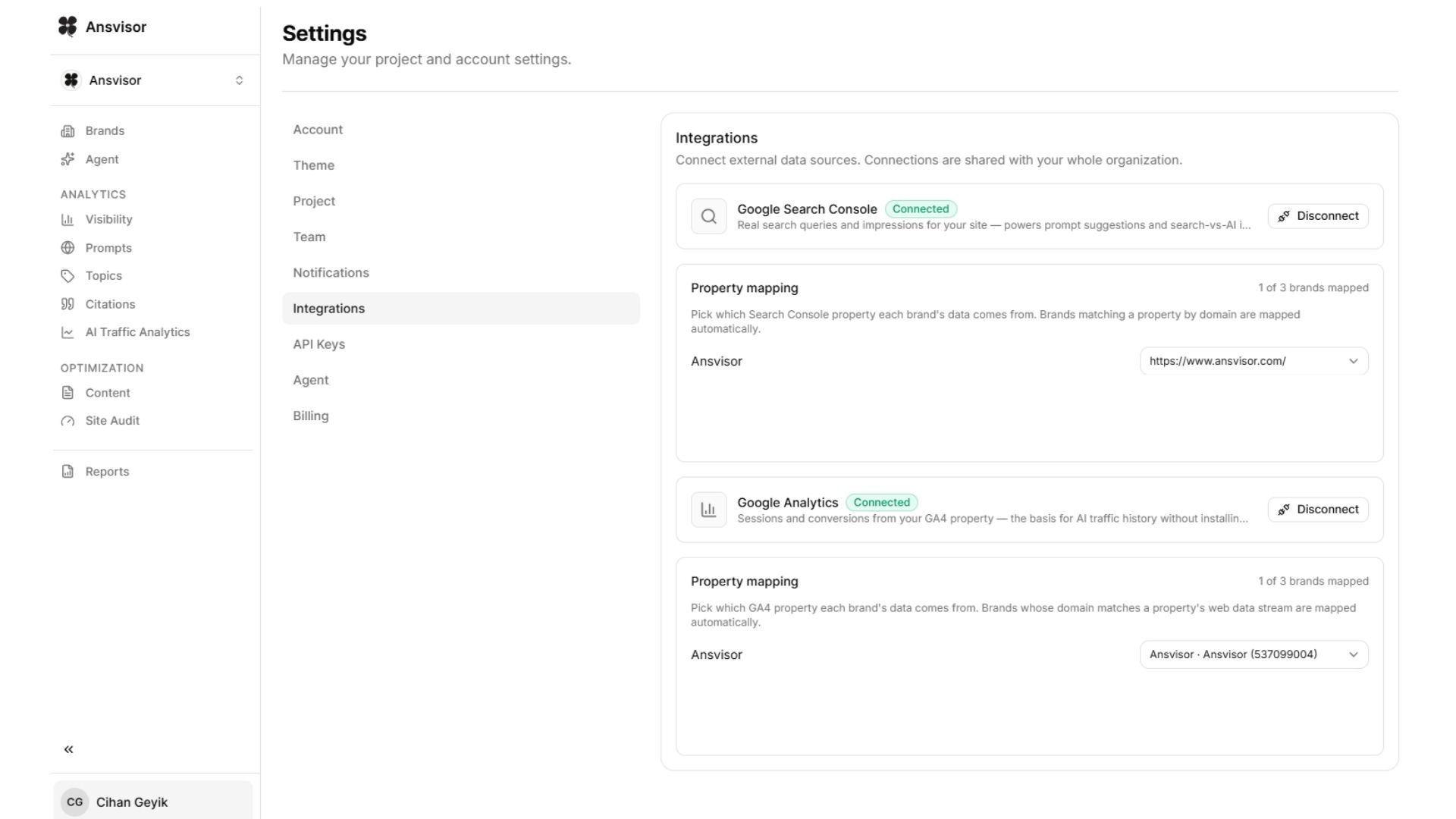
Connect Google Search Console to Ansvisor in just a few steps. Click your profile name and open Settings, then select Integrations.
Connect your Google Search Console account and choose the Search Console property you want to map to each brand in Ansvisor.
Once connected, Ansvisor automatically starts using your Google Search Console data across its intelligence workflows. Ansvisor Agents analyze these signals alongside your AI Search data to uncover prompt opportunities, content recommendations, optimization opportunities, and prioritized actions.
Google Search Console connection path:
Profile → Settings → Integrations → Google Search Console → Connect → Select Property
Open Settings:https://app.ansvisor.com/dashboard/settings
More integrations